How AI Image Generators Turn Words Into Pictures
FX TechPulse Editorial · November 1, 2026
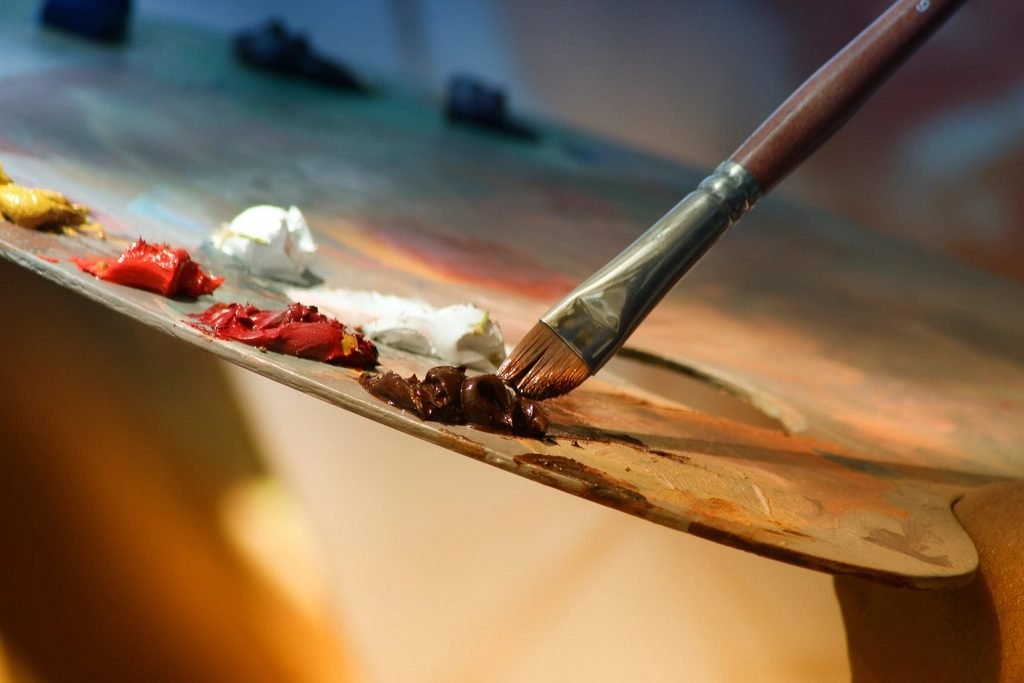
Describe a scene in a few words and, seconds later, a brand-new image appears. It feels like magic, but the process follows a logic you can understand without a math degree.
Learning from examples
Image generators are trained on huge collections of pictures paired with text descriptions. During training the system learns statistical patterns: what a beach tends to look like, how shadows fall, which shapes make up a face. It does not store the pictures like a photo album. It stores what it learned about how images are put together.
Starting from noise
Many popular systems use an approach called diffusion. Training teaches the model to remove random noise from a blurry image step by step. To make a new picture, the model begins with pure static and cleans it up gradually, guided by your text, until a coherent image emerges.
Why your prompt matters
Your words are converted into numbers that steer each cleaning step. Specific prompts work better than vague ones. Compare these two:
- Vague: a dog in a park.
- Specific: a golden retriever running across a sunny park at sunrise, low camera angle, soft light.
Why mistakes happen
The model recognizes patterns, but it does not understand objects the way people do. That is why hands may have extra fingers, text inside images can look garbled, and details can contradict each other. Newer models are improving, but the weaknesses have not disappeared.
Rights and responsibility
Questions about copyright, the use of artists' work in training data and labeling of synthetic images are still being debated and regulated in different countries. If you use generated images commercially, check the terms of the tool, avoid imitating a living artist's style, and consider labeling the image as AI-generated.
Practical tips
- Start simple, then add details one at a time.
- Describe lighting, mood and camera angle.
- Generate several versions and pick the best.
- Do not use generated images to mislead people.
Understanding the basics helps you get better results and spot images that may not be real.
About this article. Written and reviewed by the FX TechPulse editorial team. General information only, not professional advice. Read our editorial policy. Spotted a mistake? Tell us.