How to Secure Your Home Router in 10 Minutes
FX TechPulse Editorial · October 22, 2026
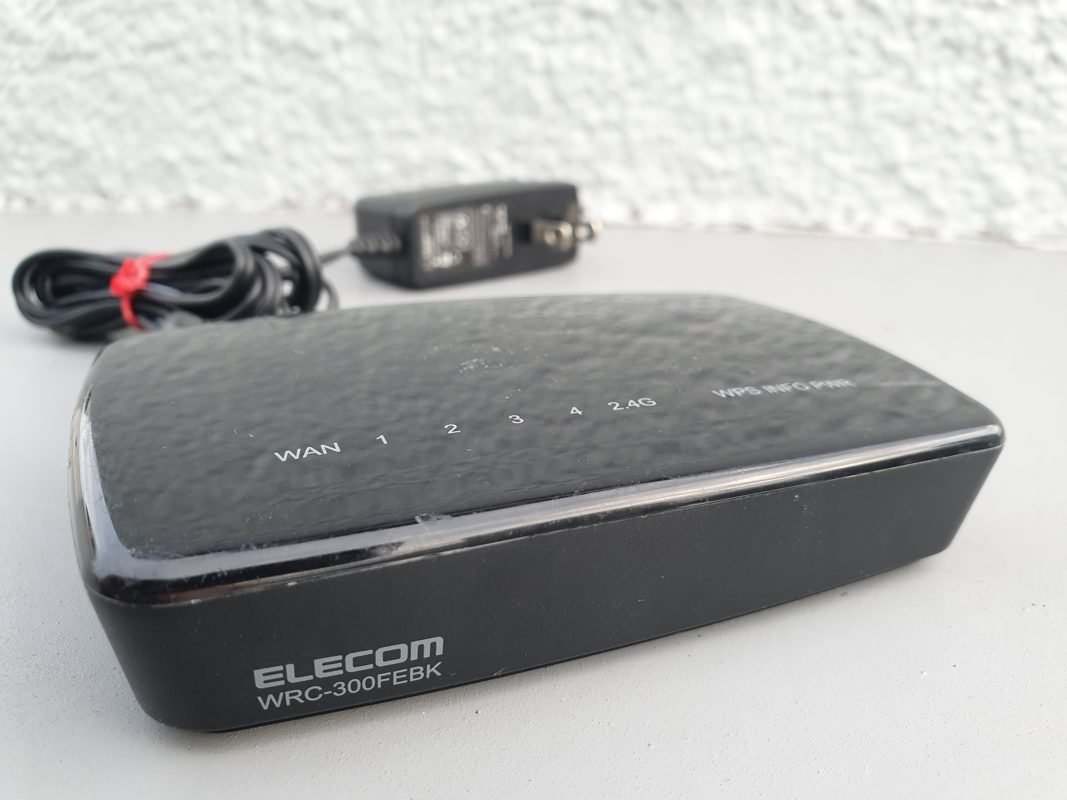
Every device in your home connects through the router, yet many people never change its settings after installation. A few minutes of attention can improve your security a lot.
1. Change the admin password
The login for the router's settings page is often a default printed on a label. Replace it with a long, unique password, and write it down in a safe place.
2. Use strong Wi-Fi encryption
Choose WPA3 if available, or WPA2 with AES. Never leave your network open or use the outdated WEP. Pick a long Wi-Fi passphrase.
3. Update the firmware
Updates fix security flaws. Check the admin page or app, and enable automatic updates if offered.
4. Turn off risky features
- WPS, which can be abused to guess your PIN.
- Remote administration from the internet, unless you really need it.
- UPnP, if you do not use it.
5. Create a guest network
Visitors and smart gadgets can use a separate network, so they cannot reach your computers and files.
6. Rename the network
Avoid names that reveal your address or the router brand.
7. Check connected devices
Look at the list of devices now and then. Remove anything you do not recognize and change the password if something seems wrong.
When to replace it
If your router no longer receives updates from the maker, it is time for a new one. These steps take little time and protect everything you do online at home.
About this article. Written and reviewed by the FX TechPulse editorial team. General information only, not professional advice. Read our editorial policy. Spotted a mistake? Tell us.