How to Fix Slow Wi-Fi at Home: A Troubleshooting Checklist
FX TechPulse Editorial · November 3, 2026
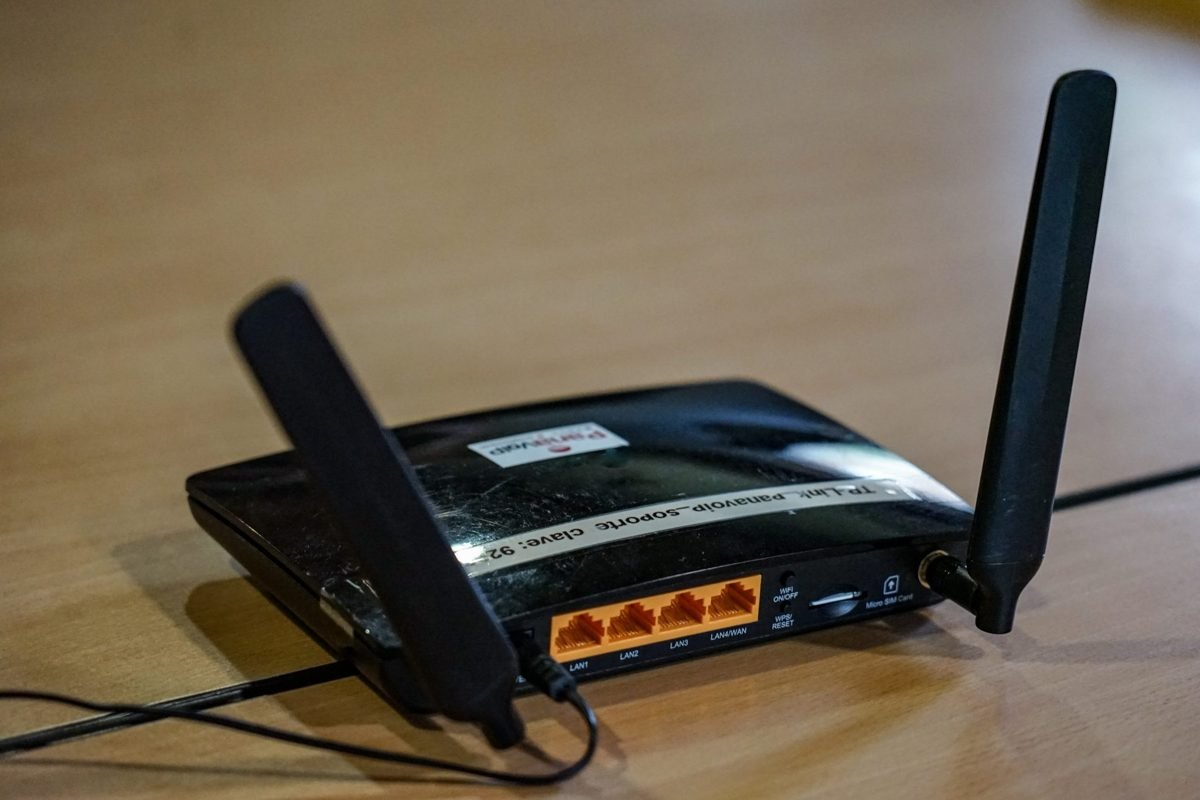
Slow Wi-Fi is frustrating, but it is not always your internet provider's fault. Work through this checklist in order, from the cheapest fixes to the more involved ones.
1. Test the connection properly
Run a speed test while connected to the router with an Ethernet cable, then run it again over Wi-Fi in the room where you have problems. If the cable result is also slow, the problem is your plan or your provider. If only Wi-Fi is slow, keep reading.
2. Restart the router
Unplug it for 30 seconds and plug it back in. It is a cliché because it often helps.
3. Move the router
Place it in a central, elevated, open spot. Walls, metal objects, aquariums and microwave ovens all weaken or interfere with the signal.
4. Use the right band
Most modern routers offer 2.4 GHz and 5 GHz networks, and newer ones add 6 GHz. The faster bands give better speed at shorter range, while 2.4 GHz travels farther but is slower and more crowded.
5. Reduce congestion
Many devices streaming at once can saturate your connection. Check what is using bandwidth, pause large downloads, and choose a less crowded channel in the router's settings.
6. Update the firmware
Router updates fix bugs and security problems. Check the admin page or the manufacturer's app.
7. Extend coverage
For large homes, a mesh Wi-Fi system usually works better than cheap range extenders.
8. Consider replacing an old router
If your router is many years old, a newer model can improve speed and handle more devices.
About this article. Written and reviewed by the FX TechPulse editorial team. General information only, not professional advice. Read our editorial policy. Spotted a mistake? Tell us.