USB-C Cables and Chargers Explained: Why They Are So Confusing
FX TechPulse Editorial · October 17, 2026
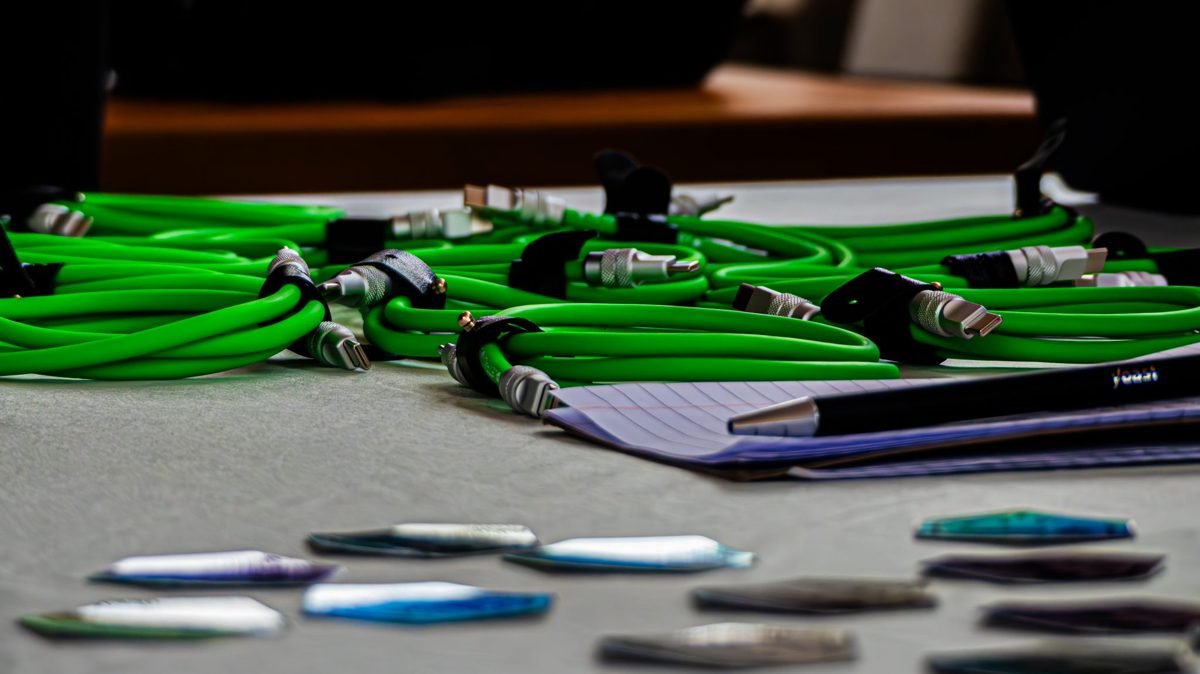
USB-C is the oval connector now used by most phones, laptops and tablets. The plug is the same, but cables and chargers can behave very differently.
Why they differ
The connector shape does not tell you what a cable can do. Some are made only for charging, while others carry fast data or video.
Power
Chargers and cables support different wattages. Standard cables handle about 60 W, and certified cables can carry up to 240 W. A phone charger may be too weak to charge a laptop quickly.
Data speed
- USB 2.0 speed is limited, around 480 Mbps, and is common in cheap charging cables.
- USB 3 speeds go up to 5, 10 or 20 Gbps.
- Thunderbolt cables support very high speeds and video.
How to choose
- Look for the wattage and speed on the packaging or cable markings.
- Choose cables from reputable brands, with certification for Power Delivery.
- Use a charger with enough wattage for your most demanding device.
- Keep a high-quality cable for your laptop and a basic one for small gadgets.
Safety
Very cheap uncertified cables and chargers can overheat or damage devices. Replace frayed cables.
Tip
Label your cables with tape so you remember which one is the fast one. A little knowledge ends most USB-C frustration.
About this article. Written and reviewed by the FX TechPulse editorial team. General information only, not professional advice. Read our editorial policy. Spotted a mistake? Tell us.